Improve
Catch the mistakes a spell checker misses. Grammar, phrasing and clarity fixed in place, with the meaning left alone.
KeyWise replaces your keyboard, not your workflow. Fix grammar, write a first draft, change the tone or translate — right where you are already typing. Messages, Mail, Instagram, anywhere.
Free to try. Your text is never sold or used for advertising.
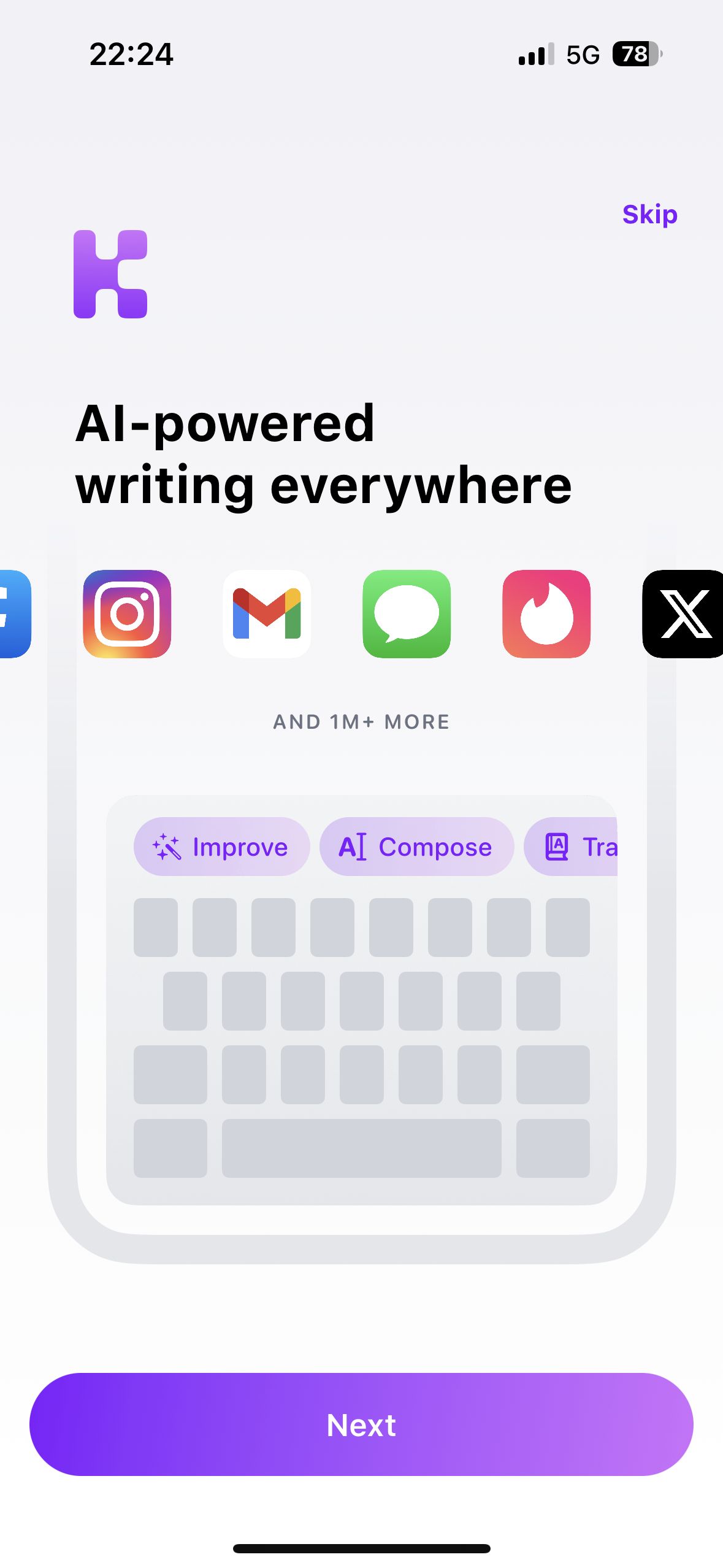
No copying text into another app and pasting it back. The tools sit on the keyboard's top row and work on whatever you have just typed.
Catch the mistakes a spell checker misses. Grammar, phrasing and clarity fixed in place, with the meaning left alone.
Describe what you want to say and get a first draft you can edit. Useful when the blank field is the hard part.
Switch a message into another language without leaving the conversation you are already in.
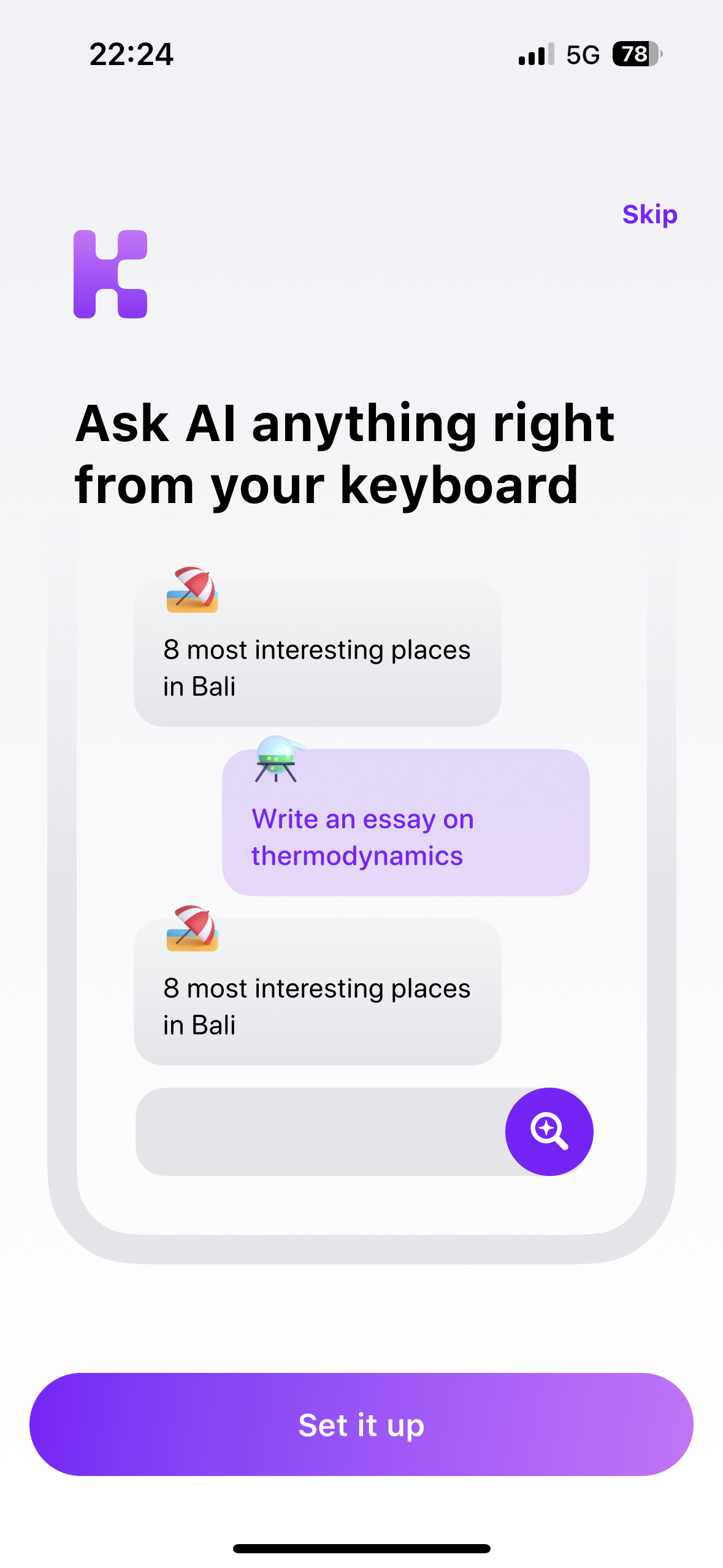
Look something up mid-sentence. Ask a question, get the answer in the keyboard, drop it into your text if you want it.
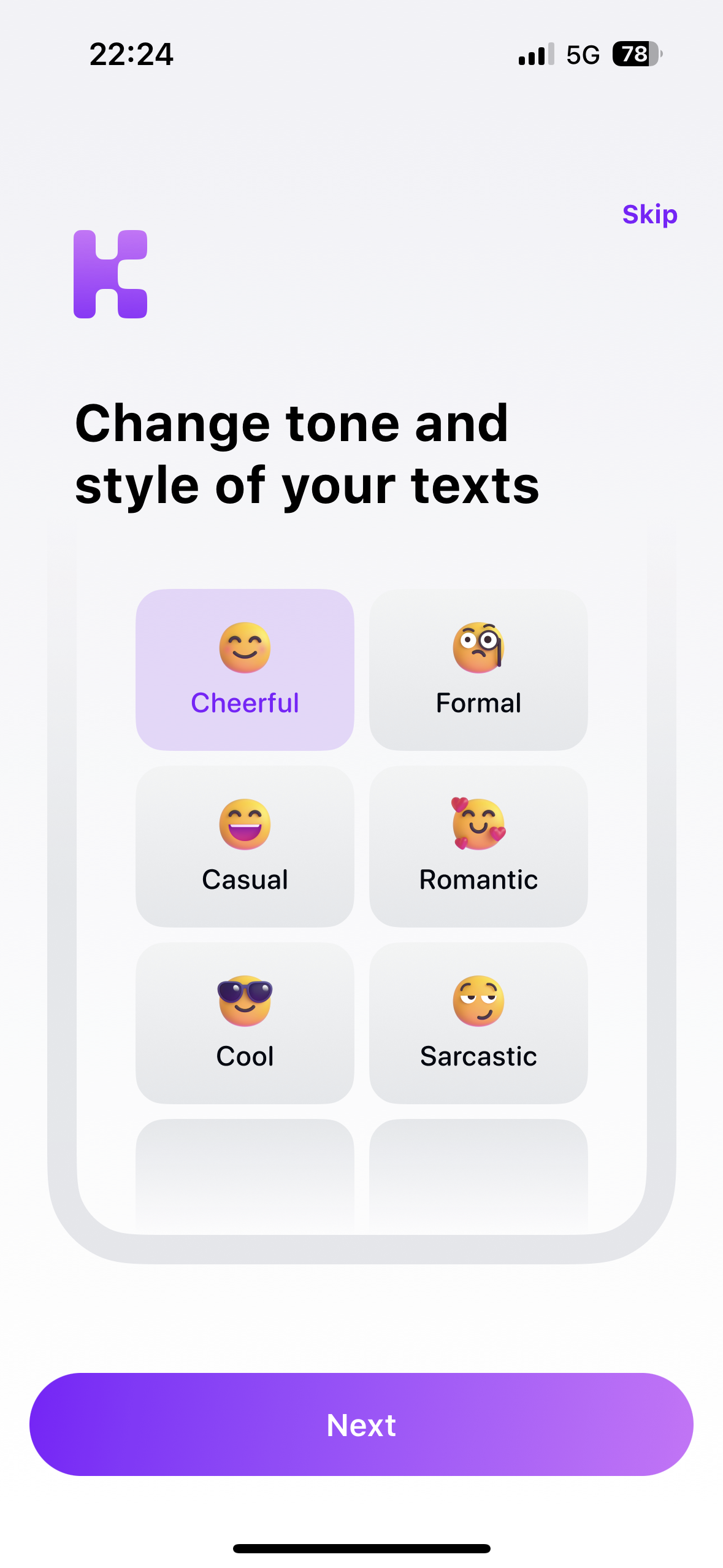
The same message, said differently. Formal for work, cheerful for friends, and a few in between.
KeyWise only sends the text you explicitly hand to an AI action. It does not log what you type, and it does not sell your data.
Write the message the way it comes out of your head, then pick a tone. KeyWise rewrites it without flattening it into corporate mush.
iOS asks for a couple of permissions before any third-party keyboard can work. KeyWise walks you through it screen by screen.
Download it from the App Store. Nothing to configure yet — the app opens straight into the setup guide.
iOS keeps keyboard settings in Settings → General → Keyboard. The in-app guide shows you each tap, including granting Full Access so the AI actions can run.
Hold the globe key in any app to switch to KeyWise. The AI row appears above the keys and works on the text in front of you.
Mid-conversation questions do not need a second app. Ask, read the answer inside the keyboard, and insert it only if it is worth sending.
KeyWise is free to try on any iPhone running a recent version of iOS.